Different pattern.
Different space.
Create separate vaults. The unlock screen doesn’t show a list of your other spaces.
INDEPENDENT PATTERNSA place for the photos, files and moments that are yours alone. Encrypted on your iPhone. Opened with your pattern.
Draw a pattern to explore.
4 files · Encrypted on your device
Illustrative demo with sample files.
No personal data needed.
The things you expect from a gallery.
The privacy you want from a vault.
Actual development build. Sample content. Tap a screen to see it in full size.
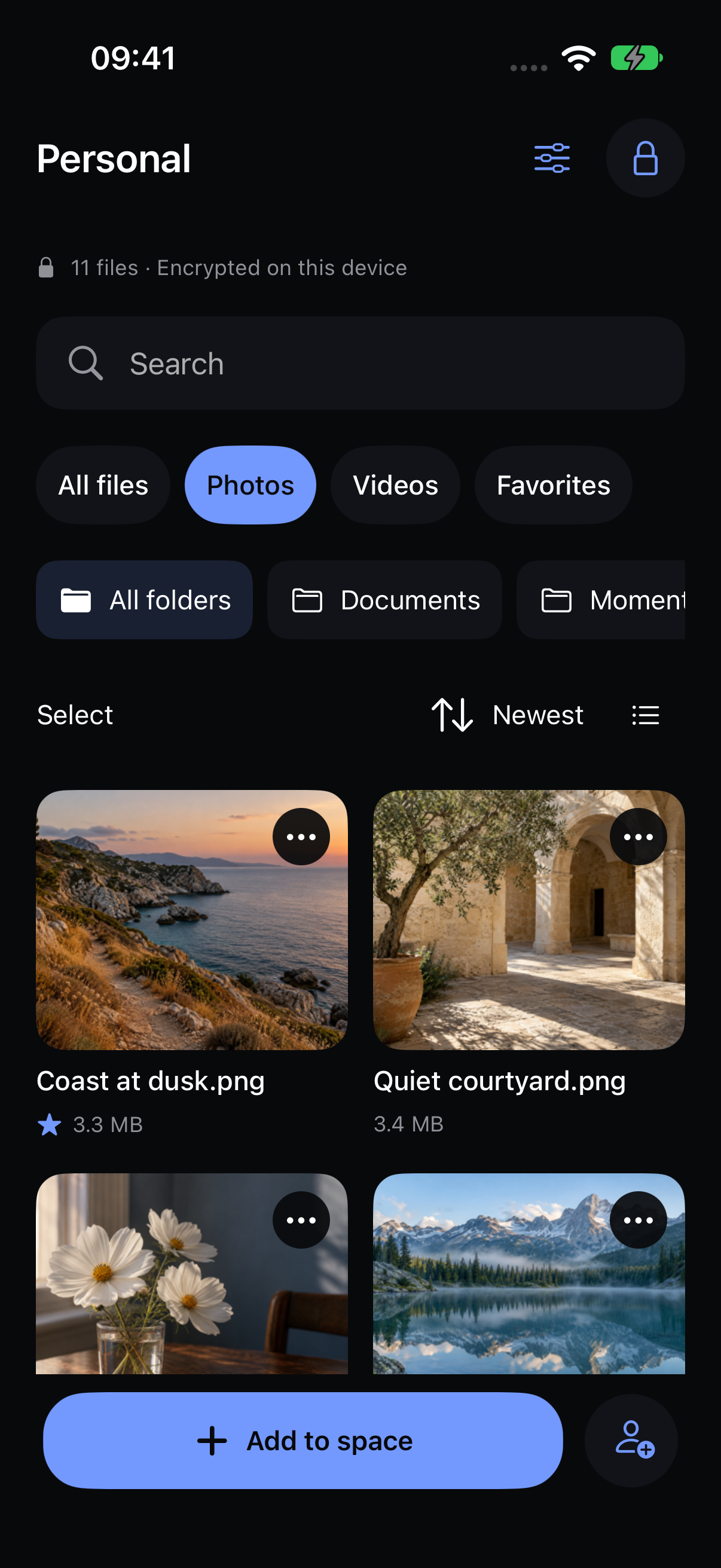
Import, search, favorite and organize your photos into folders.
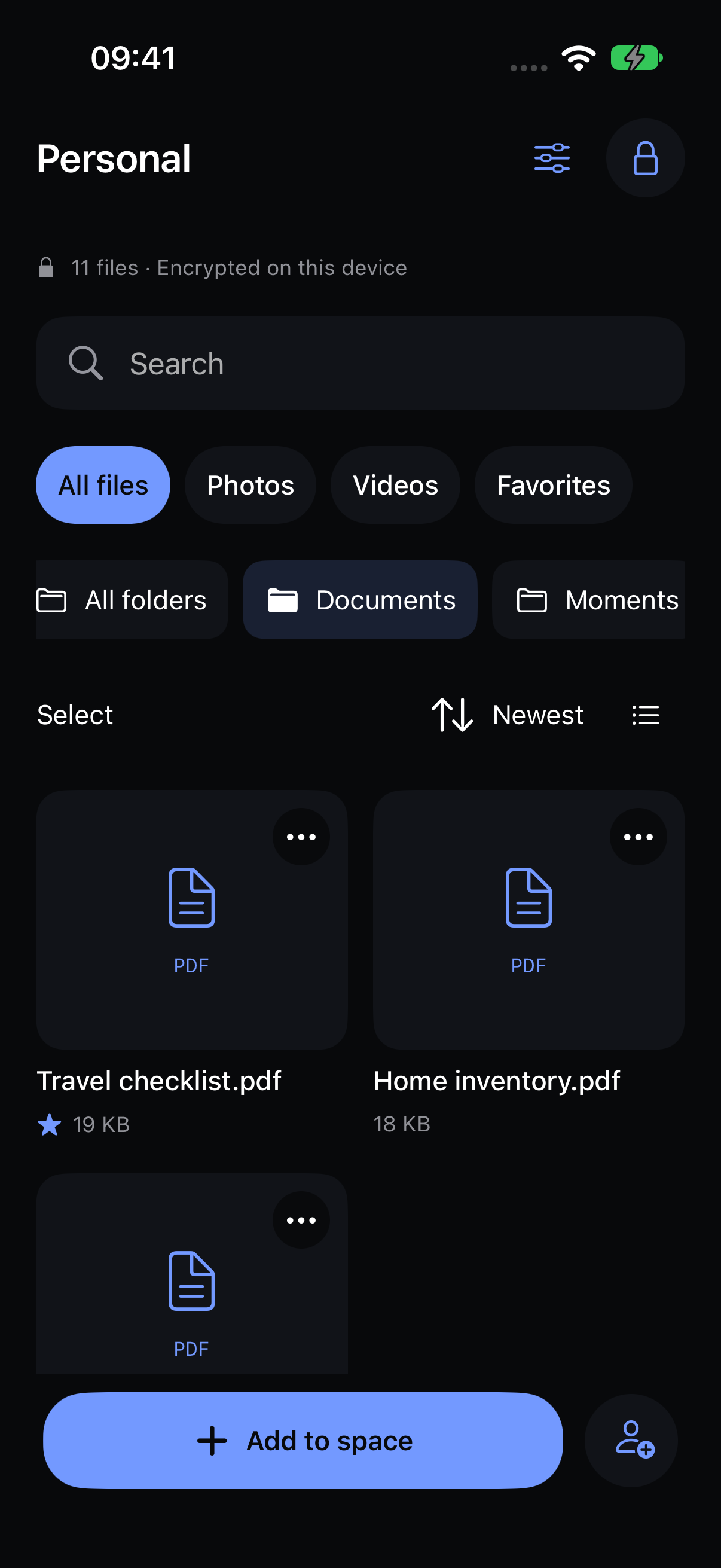
Keep PDFs and documents beside the moments you want to save.
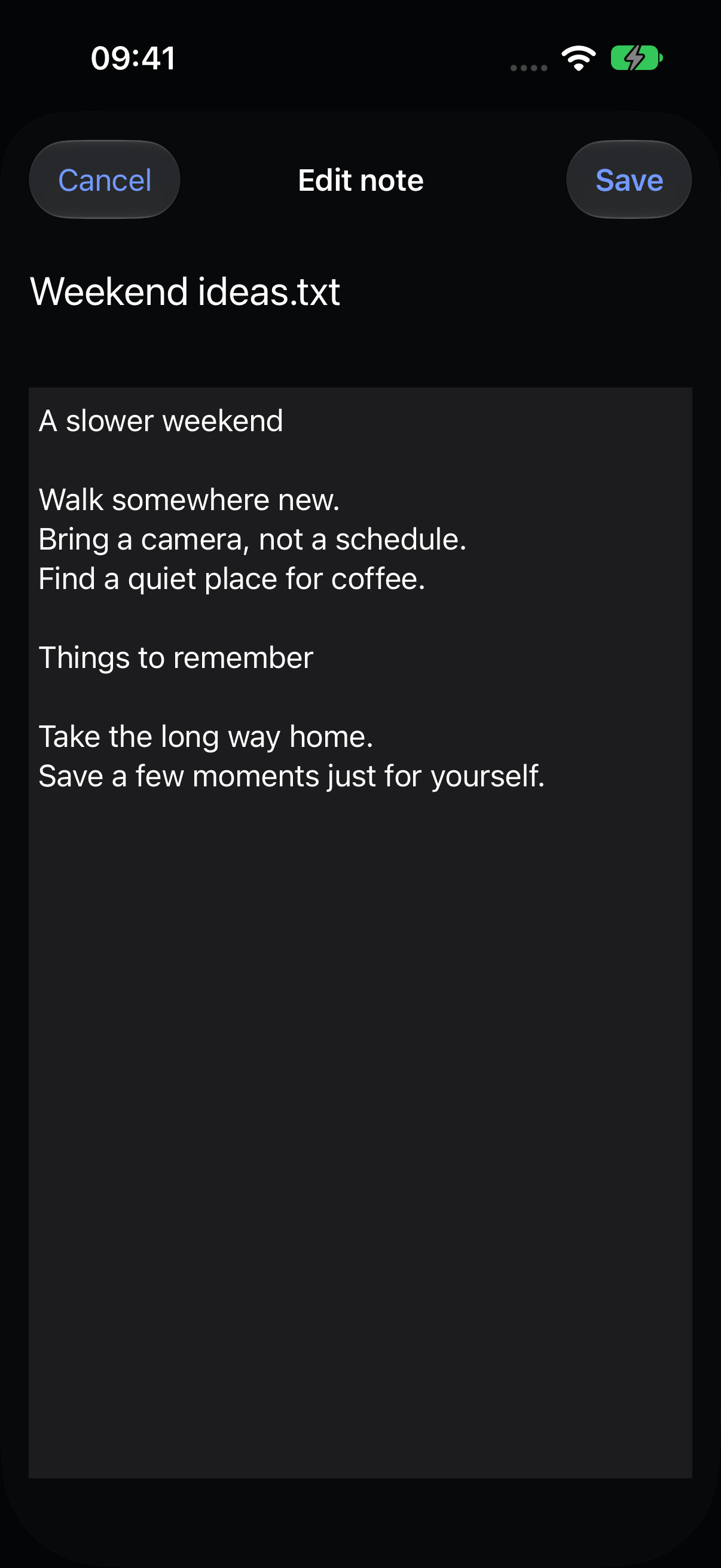
Write and edit private notes inside your encrypted space.
Create separate vaults. The unlock screen doesn’t show a list of your other spaces.
INDEPENDENT PATTERNSPhotos and videos captured in Veil go into your vault without a copy in Apple Photos.
PRIVATE CAMERAA separate recovery code lets you set a new pattern. Keep it somewhere outside your iPhone.
Export an encrypted copy and test restoring it on another device.
Background locking and a privacy cover keep your open space out of the app switcher.
Understand what happens to your files, with clear boundaries and no promises of invisibility or absolute security.
Explore the architecture ↗PBKDF2 derives a key from your pattern, which unwraps a separate random vault key.
AES-256-GCM protects content, names, notes and your file index before they are saved.
Weak patterns can be guessed. Compromised devices and exported copies fall outside this protection.
Development build. Not independently audited yet. Cloud integrations need configuration and device validation before release.
Create a fresh PNG without copying the original file’s EXIF metadata. Processing happens in your browser.
Open the free tool ↗Start free. Need more room?
Go lifetime and make it a one-time purchase.
Your privacy doesn’t have to wait.
No renewal. Plus features for the supported life of the app.
Prices in US dollars. No payment is collected here. Annual and weekly subscriptions renew until canceled; lifetime does not. Final prices appear in the App Store. “Unlimited” refers to app item counts, not unlimited device or cloud storage.
Not yet. A native development build is available for local Xcode testing. Public release requires Apple configuration, real-device testing and security review.
Your recovery code can open the local vault or an encrypted backup and let you set a new pattern. Without either credential, we cannot recover the contents.
One payment with no renewal, for available Plus features during the supported life of the app on compatible devices: unlimited local vault and media counts and alternate icons. Your device supplies the storage; the 100 MB per-file limit still applies. Online backup, sharing and sync are not promised as part of this preview’s lifetime offer. Read the proposed lifetime scope.
Not by default. Check your encrypted copy and recovery backup before deleting originals. The app can offer deletion after verifying an import; Apple Photos and iCloud deletion rules still apply, including Recently Deleted.
Encrypted file backup is implemented. CloudKit backup and an encrypted relay for sharing and device sync need deployment, Apple configuration where applicable, and further testing before public release.
The unlock screen does not list your vaults, but examining the app’s storage can reveal their existence. Encryption protects contents; we do not promise forensic invisibility.